---
title: Editing your index.html file
author:
- vielmetti
- keyboardan
category: tutorials
---
## How to find your index.html
There are some basic command line commands you'll want to Google and learn, but for this tutorial you only need a few:
### Basic commands
`ls` = list files and folders in current directory
`cd` = change directories
`vim`, `emacs`, `nano` = a text editor
### Put those commands into practice
Type: `ls` to list your current directory; you should see a directory listed as "public_html"
Type: `cd public_html` to change into the "public_html" directory
Type: `ls` to list the current directory again; you should see your index.html file
## How to edit index.html with a simple text editor
Type: `nano index.html` to open your index.html file and begin editing
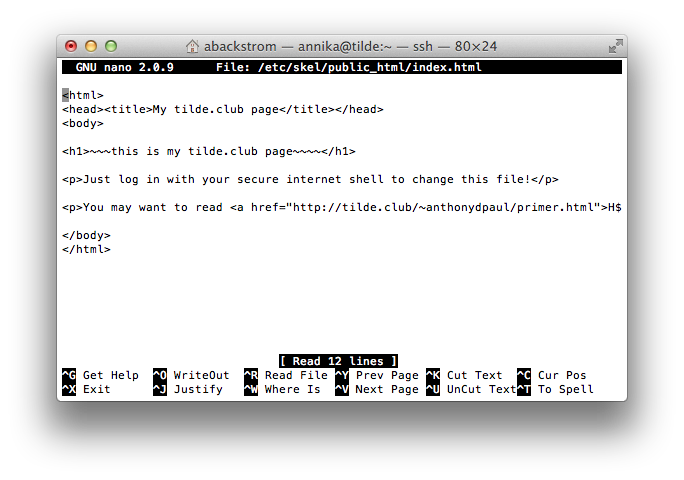
Edit your file, willy nilly
When done editing, use `CTRL+X` to close the file
You'll be asked if you want to save; say y and [return] to return to the command line
Refresh your tilde page in your browser to see your new website
Note: If at any time you feel you made a mistake in editing, you can exit and n to not save
There's more info here about the nano editor; if you're familiar with emacs or vim they are here too